The I Love the Smiths AI Template
A template means you do not build anything. The elevator, the framing, the turn and the line are already set. Your only job is two photos.
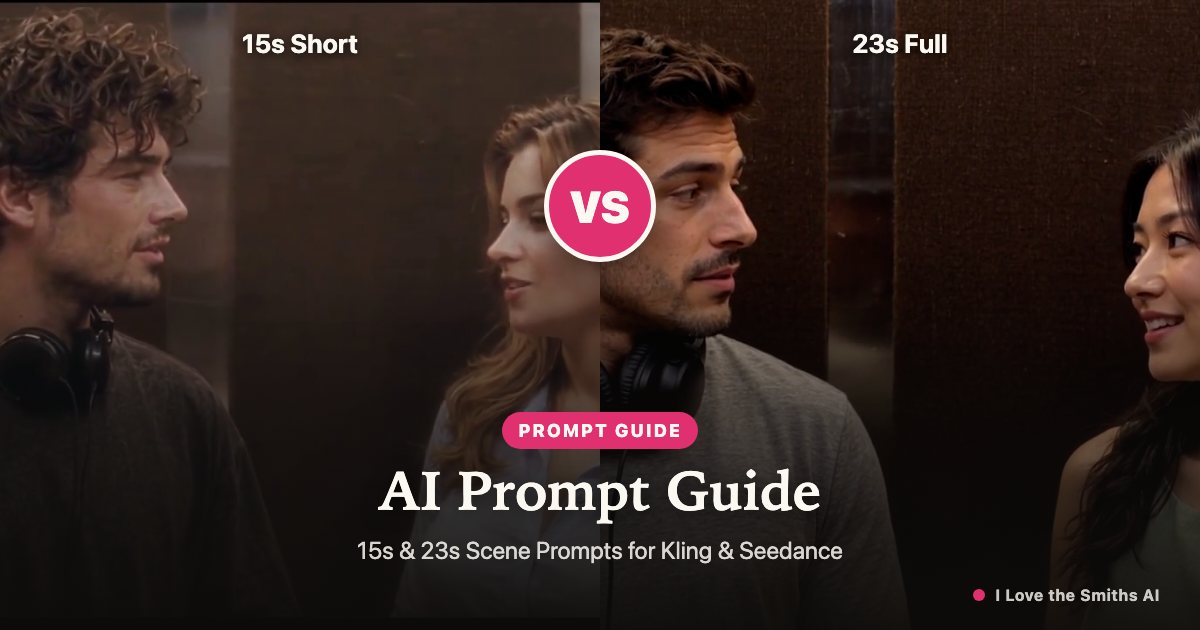
What is already built in
- The elevator interior and its lighting
- Two character positions, left and right
- The headphone moment
- The turn, the repeat of the line, and the smile
- Timing built for about 15 seconds
You are not choosing a style or assembling a scene. You are choosing two faces.
What you fill in
Two photos, one slot each. Optional: a short line describing clothing or mood. That is the entire input.
| Scene, setting, light | Two photos |
|---|---|
| Character positions | Assign faces to roles |
| Timing and pacing | Optional one-line prompt |
| Export format | Download and post |
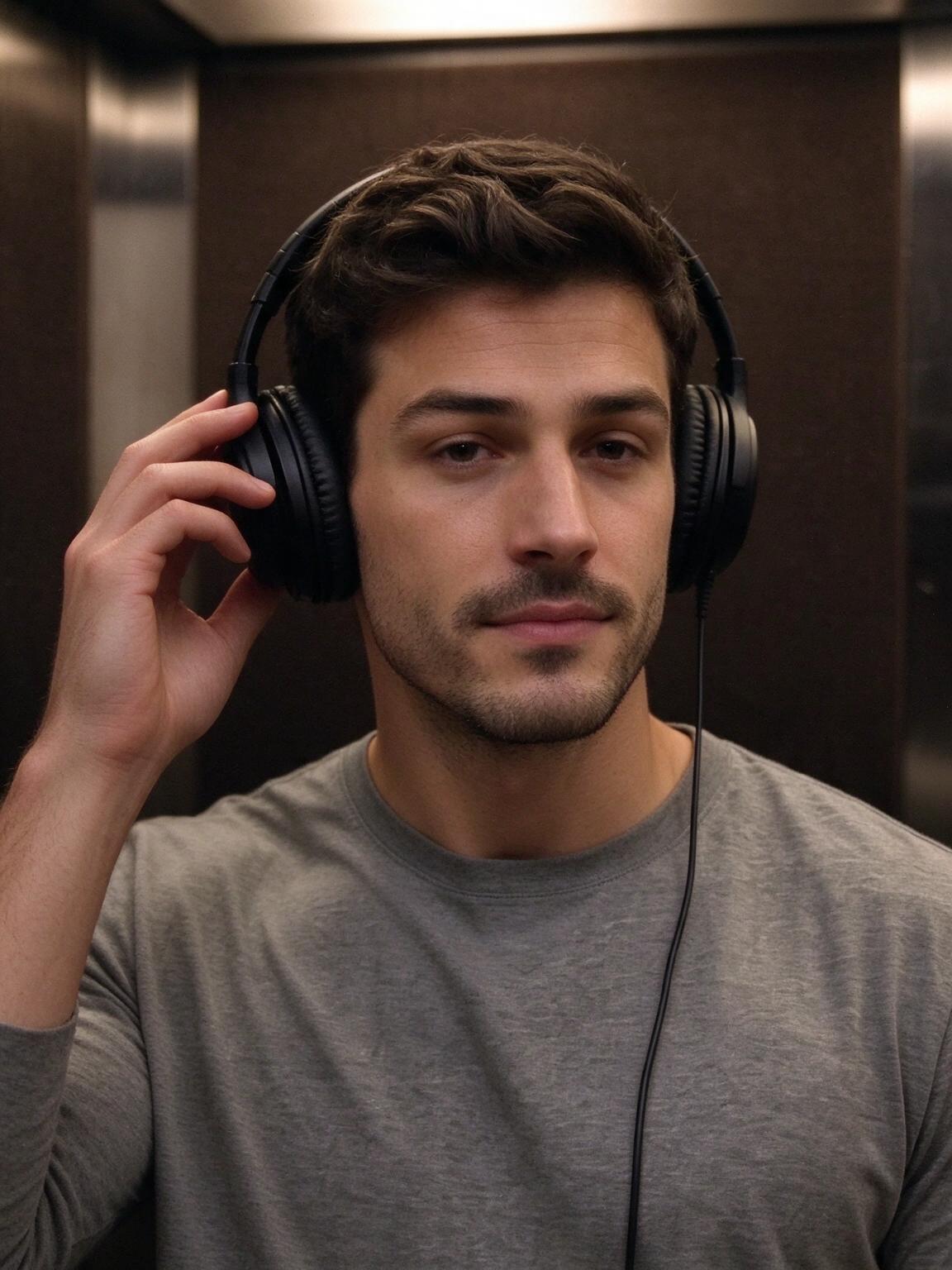 Photo 1 · Listener
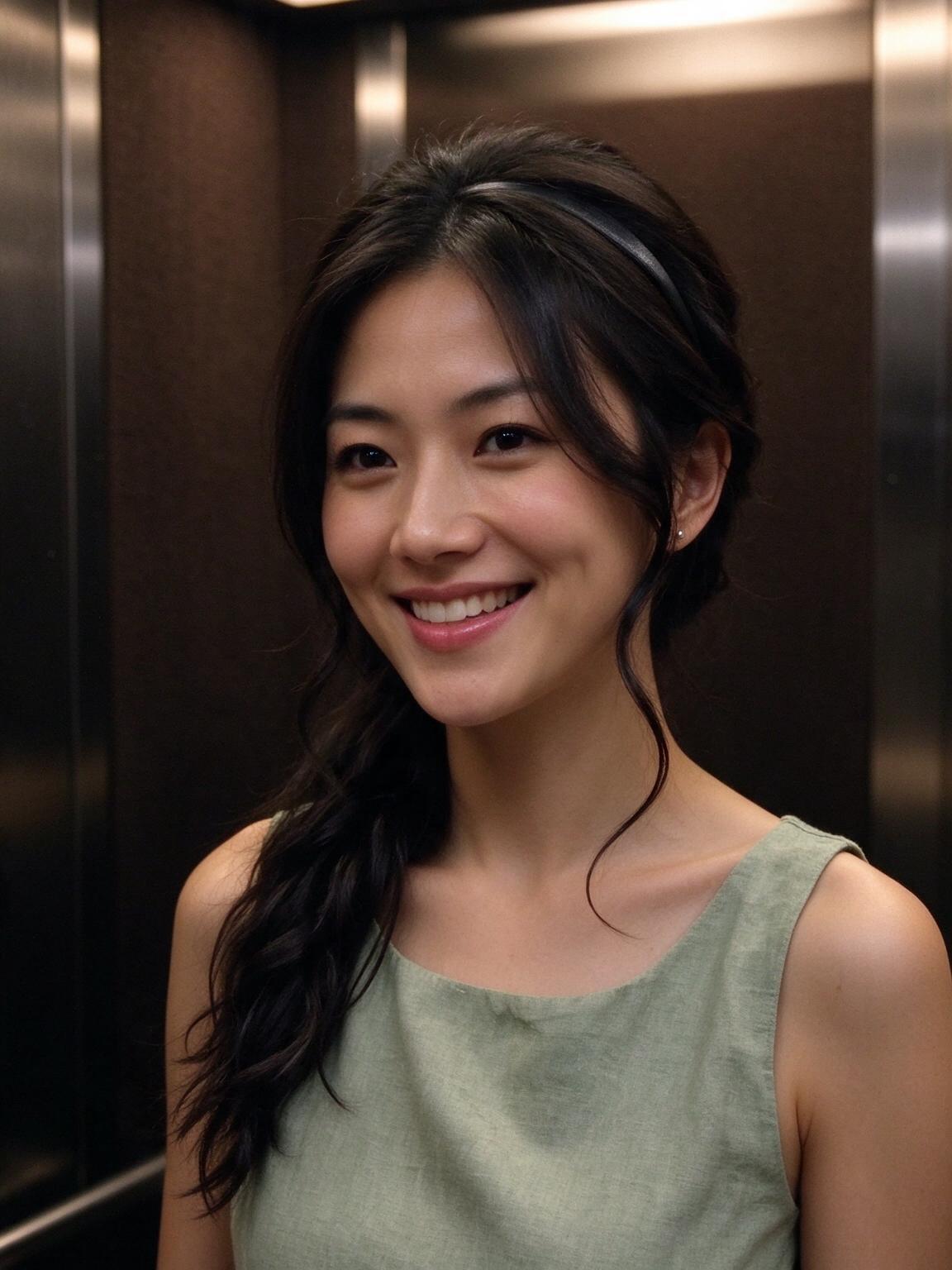 Photo 2 · Speaker
Who the template is for
People who want the version everyone else is posting, without the learning curve. If you want to direct the scene — different room, different framing, different moment — this is the wrong tool, and we would rather say so.
Template versus from scratch
| This template | Building it in an AI video editor | |
|---|---|---|
| Input | 2 photos | 2 photos + prompts + scene reference |
| Scene setup | Done | Hours of trial and error |
| Consistency between characters | Built in | Manual |
| Output | About 15 seconds clip | Whatever you can assemble |
| Cost | From $9.99 | Editor subscription + your time |
FAQ
Q1Is the template the same as the original scene?+
It recreates the setup and the beat of the scene. It is a recreation, not the film footage.
Q2Can I change the setting?+
Not in this template. Different settings are a separate workflow.
Q3Can I use a group photo?+
Yes — upload one photo with both people and crop each face into its own slot.
Q4What if my two photos have totally different lighting?+
Crop both faces out of a single photo instead. Matched light does more for realism than a sharper photo does.