How to Make an I Love the Smiths AI Video
Two photos, one optional prompt, one paid generation. This is the whole process — plus the four mistakes that ruin most first attempts.
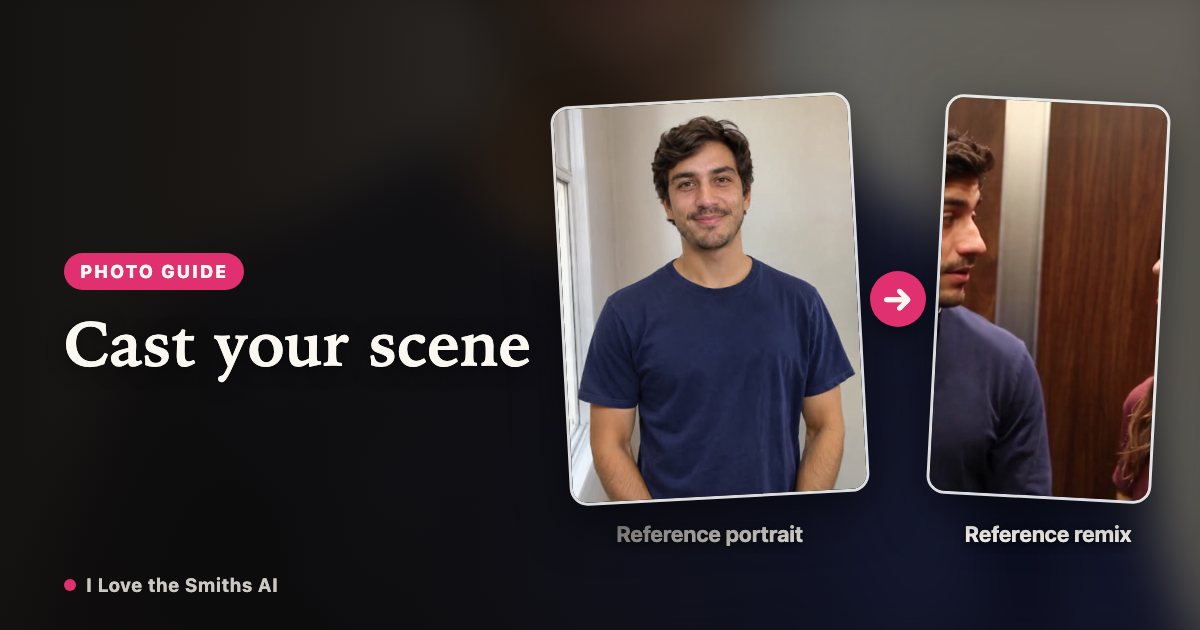
Before you start
- Pick photos taken face-on. Both faces turned toward the camera, no sunglasses, no heavy shadow across the eyes.
- Decide who is the listener. The listener is the one in headphones who gets asked the question. The other person says the line.
- Decide whether you want a prompt. If you don't, skip it. The default setup already matches the scene.
Step 1 — Choose the two photos
Use one photo per role. A phone photo in daylight is enough; what matters is that the face is unobstructed and the head isn't cropped. Group photos work if you can crop one person out cleanly.
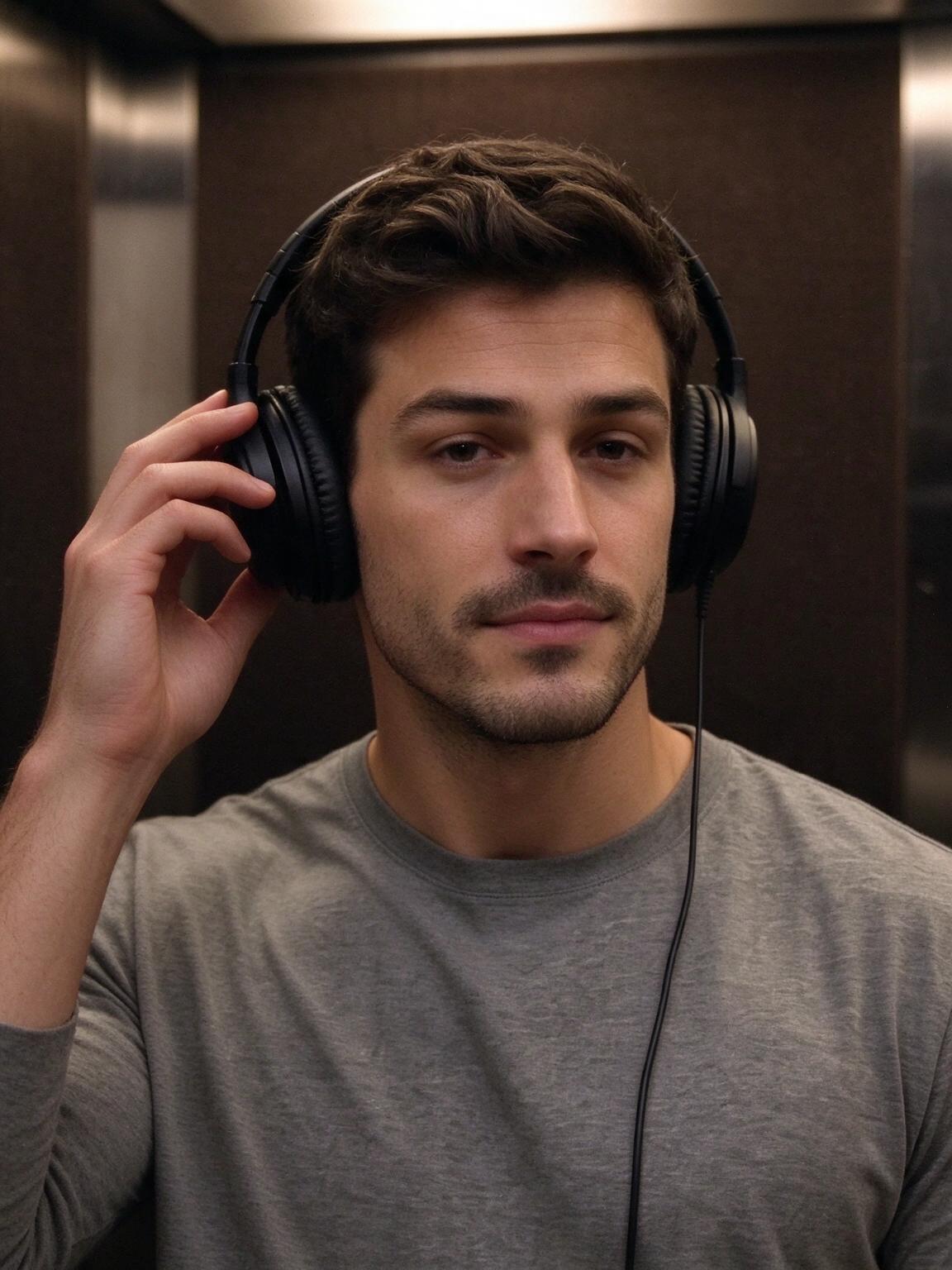 Photo 1 · Listener
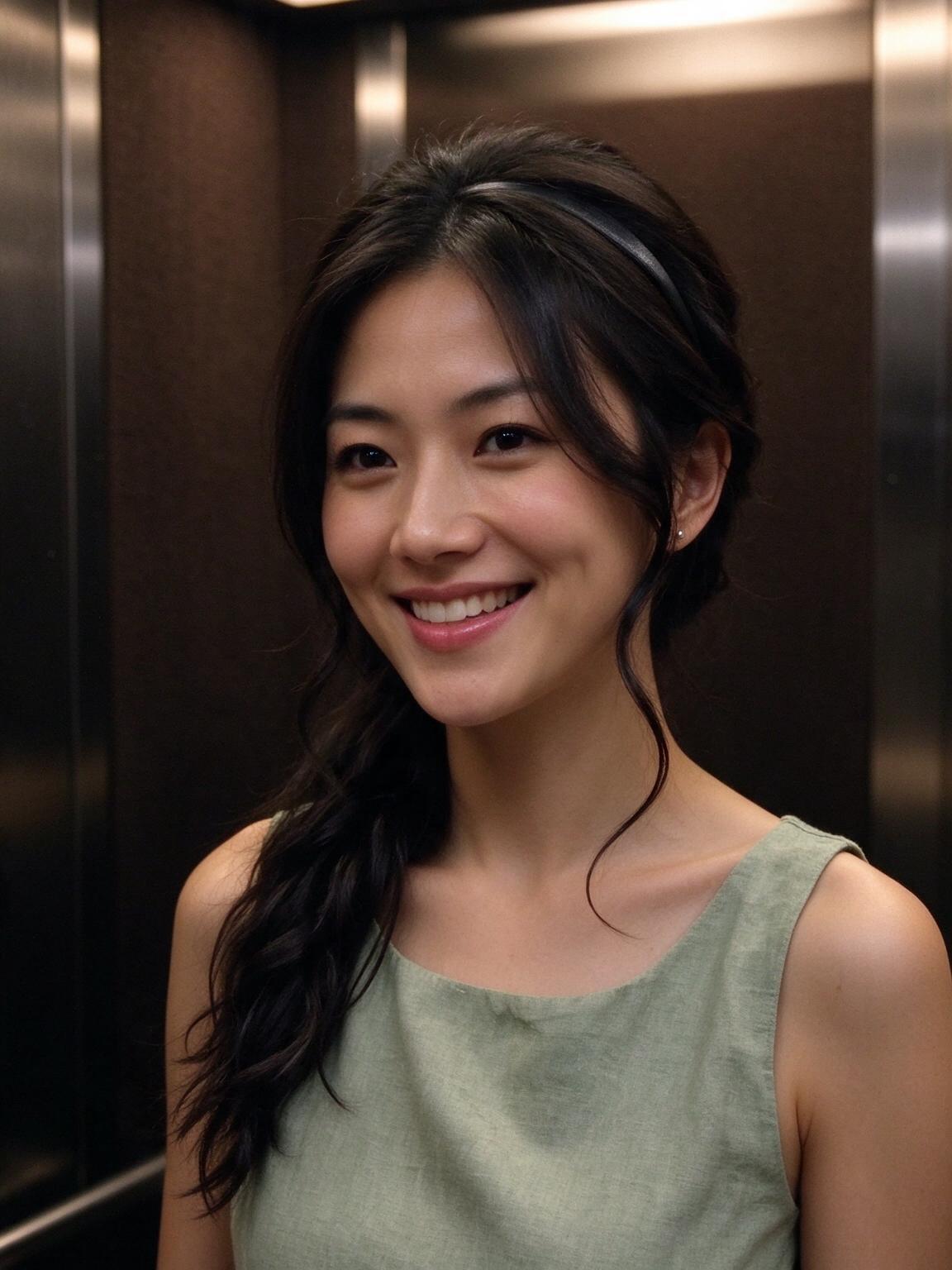 Photo 2 · Speaker
Step 2 — Assign the listener and the speaker
Photo 1 is the listener. Photo 2 is the person who speaks. Getting this backwards is the most common mistake — the video still generates, but the joke lands on the wrong face. If you're doing it solo, use the same photo twice.
- Photo 1 · Listener
- Photo 2 · Speaker
Step 3 — Add a prompt, then generate
Leave the prompt blank for the standard elevator read. If you want to change something, change one thing per attempt: framing, wardrobe, or era. Then pay for the generation ($9.99) and download the result. Usually 5–8 minutes · About 15 seconds
Four things that go wrong
- The photos don't match in lighting. One indoor, one outdoor at noon produces a video where one face looks pasted in.
- Two people, one cropped at the chin. The AI needs the whole head to keep the framing stable.
- A prompt that fights the scene. Asking for a full-body shot in a small elevator pulls the camera back and loses the exchange.
- Roles swapped. The listener should be the one who gets asked, not the one who answers.
What you get
A short video of the elevator exchange with both of your photos in it. Length about 15 seconds, format landscape 16:9, MP4 with no watermark, audio with sound (the scene’s sound is built in), preview/watermark one free still preview before you pay; no watermark on the full video.
FAQ
Q1Do I need a prompt to make the video?+
No. The default setup is the scene itself; the prompt only changes framing, mood, or wardrobe.
Q2Can I use the same person for both photos?+
Yes, and it's a decent first test before you spend a generation on two people.
Q3How many photos can I upload?+
Two — one per role.
Q4What if the faces in my photos aren't recognized well?+
Try a different photo with the face turned toward the camera and even lighting. If it still fails, the credits for that generation come back to your account automatically, so you can change the photo and try again without paying twice.
Q5Can I edit the video after it's generated?+
If a generation fails, its credits come back automatically and you can submit again with a different photo. AI results vary, so exact likeness, lip sync and every shot are not guaranteed.
Ready to try it
Once you have the two photos, the whole thing takes one order. $9.99 per video.
Want the context first? Read the I love the Smiths scene breakdown.