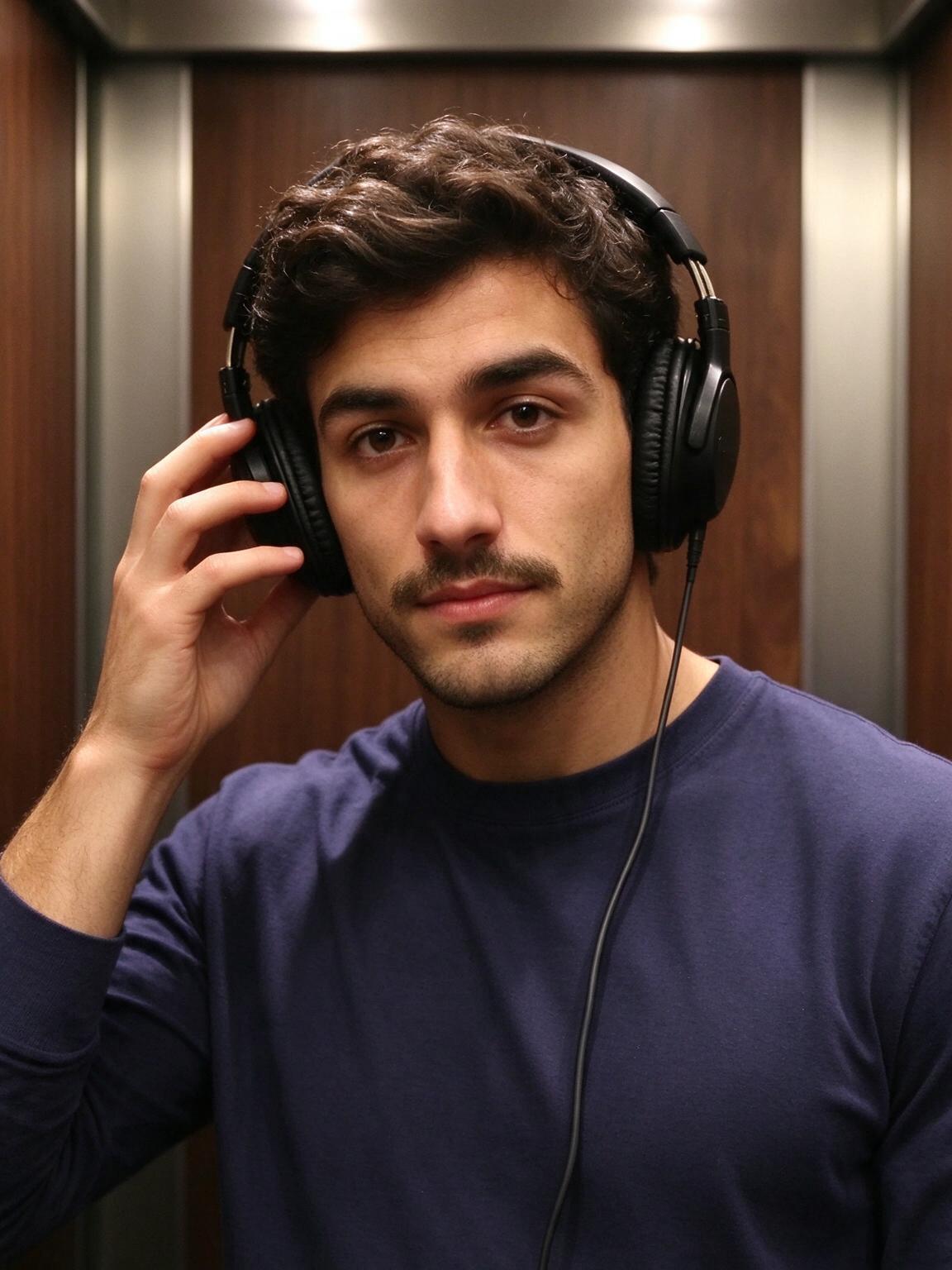
Photo 1 — the listener.
A clear, front-facing photo. This is the person wearing the headphones who gets asked the question.
Recreate the elevator moment everyone quotes: one photo of the listener in headphones, one of the person who says the line. Our I Love the Smiths AI turns both photos into a short video you can post the same day.
Photo 1 is the listener in headphones. Photo 2 is the person who says the line.
One adult per photo, facing the camera, face clearly visible. No screenshots or group shots · JPG/PNG up to 20 MB
 These 2 photos became this 15-second video
Two portraits in, one elevator scene out
These two photos are the only input behind the video on the right. Yours work the same way: one listener in headphones, one person who says the line.
Photo 1 · ListenerPhoto 2 · SpeakerWhat the I Love the Smiths AI video is. It's a two-photo AI video generator built for one scene: you upload a photo for the listener (headphones on) and a photo for the person who speaks, add an optional prompt if you want a different angle, and the tool generates a short clip set inside that elevator conversation from (500) Days of Summer.
A clear, front-facing photo. This is the person wearing the headphones who gets asked the question.
A clear, front-facing photo of the person who says “I love the Smiths.”
Leave it blank for the standard elevator read, or add a line to change the mood, framing, or wardrobe.
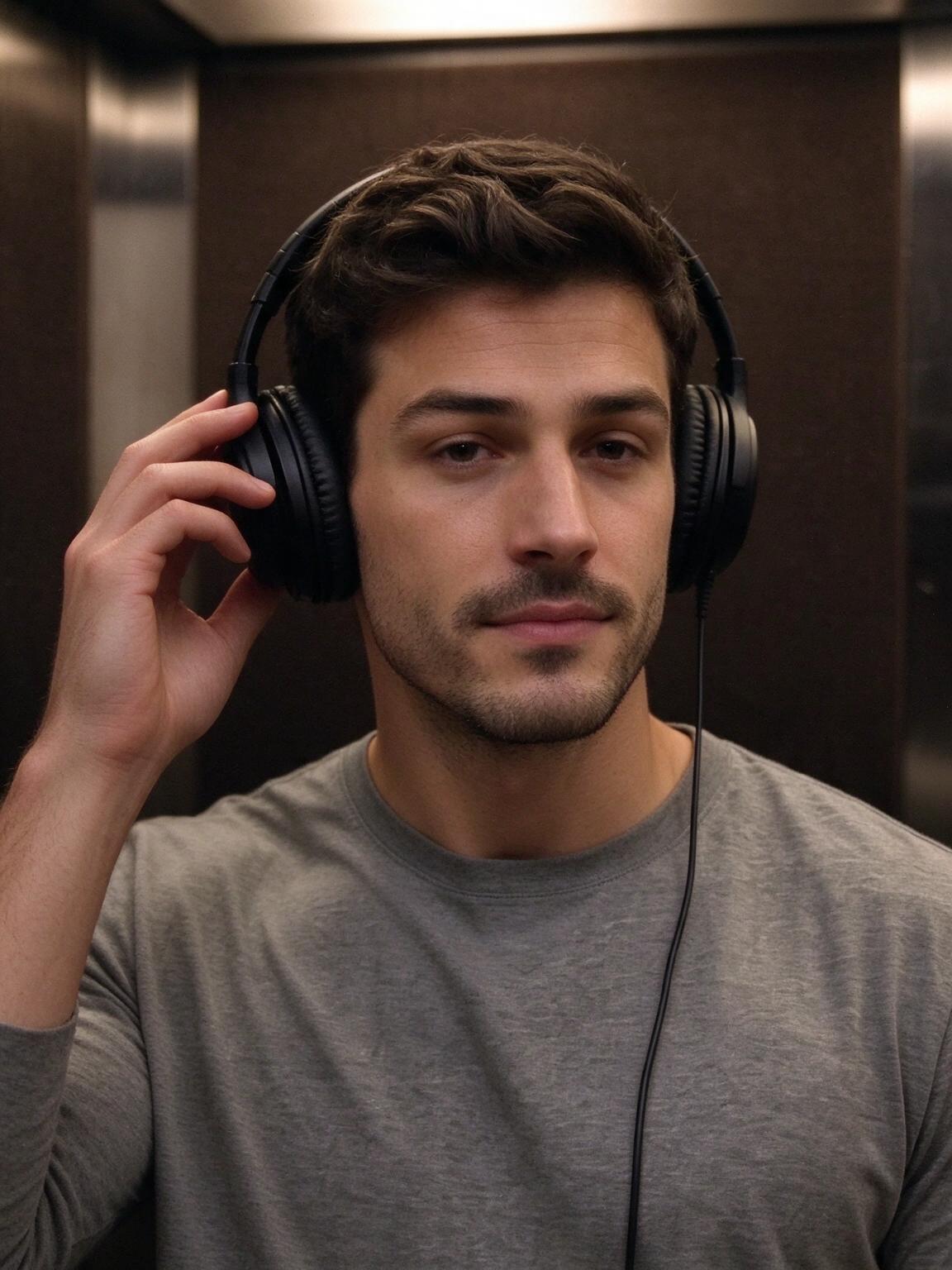 Photo 1 · Listener
 Photo 2 · Speaker
One for the listener, one for the person who speaks. Use photos where both faces are clearly visible and unobstructed.
Tell us how you want the scene to feel — or skip it and use the default elevator setup.
Pay for the generation, wait for your video, then download it. Usually 5–8 minutes · About 15 seconds · Landscape 16:9
| Item | Detail |
|---|---|
| Inputs | 2 photos (listener + speaker) |
| Prompt | Optional |
| Price | $9.99 |
| Length | About 15 seconds |
| Format | Landscape 16:9, MP4 download with no watermark |
| Turnaround | Usually 5–8 minutes. You can leave the page; the finished video waits in My videos, and we email you when it’s done. |
| Audio | It comes with sound. The scene’s sound is built in, and you can’t swap in your own song. |
| Preview / watermark | There’s no free trial of the full video. Before you pay, you can see one free still preview from your two photos. Full videos have no watermark. |
| Refunds | If a generation fails, its credits come back to your account automatically and you can try again with different photos. Credits never expire. |
The joke only works with two people. Someone is wearing headphones, someone else says the line, and the whole scene turns on that exchange — which is why this format needs a listener and a speaker instead of a single face swap. Upload one photo of each person and the I Love the Smiths AI video keeps both roles in the frame.
You can also do it with the same person twice: the same face as the listener and the speaker reads as a joke on its own. Either way, use photos taken in decent light, with the face turned toward the camera.
Photo 1 · ListenerPhoto 2 · SpeakerThe line comes from one of the smallest scenes in (500) Days of Summer: two people share an elevator, one is wearing headphones, and the other says “I love the Smiths.” It became a meme, and now a TikTok trend, because it's the entire relationship in nine words. If you want the context first, read our breakdown of the I love the Smiths scene, the full 500 Days of Summer elevator scene, or the I love the Smiths quote and what it means.
“Same elevator, tighter framing on both faces, warm overhead light.” The default setup already does this — a prompt is for when you want the frame to move.
Try a specific decade or wardrobe. The line still lands; the visual doesn't have to be 2009.
If you're after something more absurd, the I love the Smiths meme page covers the joke formats people keep reusing, and the I love the Smiths template page shows how the two-photo setup maps onto the scene.
Every generation is a paid order: $9.99. No subscription is required to make one. Full pricing and what's included: I Love the Smiths AI pricing.
Use across videos; the credit total is shown before each generation.
Billed once. Credits never expire.
Includes
Use across videos; the credit total is shown before each generation.
Billed once. Credits never expire.
Includes
Use across videos; the credit total is shown before each generation.
Billed once. Credits never expire.
Includes
If a render fails, its credits come back to your account automatically.
It's a two-photo AI video that places two people into the elevator conversation from (500) Days of Summer — one as the listener in headphones, one as the person who says the line.
Yes — one for each role. Both should be front-facing and clearly lit. You can use the same person for both roles if you want the joke on yourself.
Photo 1 is the listener, the one wearing headphones who gets asked the question. Photo 2 is the person who speaks. If you swap them, the roles swap with them.
No. Leave it empty for the standard elevator read, or add a line to change mood, framing, or wardrobe.
About 15 seconds.
Usually 5–8 minutes. You can leave the page; the finished video waits in My videos, and we email you when it’s done.
$9.99 per video. No subscription required.
There’s no free trial of the full video. Before you pay, you can see one free still preview from your two photos. Full videos have no watermark.
It comes with sound. The scene’s sound is built in, and you can’t swap in your own song.
See our Privacy Policy for storage, retention, access, and how to request deletion.
Personal and social posting is fine. Commercial use: don’t use it to advertise or to mislead anyone, and label it as AI-made when you post it.
It's a real AI video, not a filter. You upload two photos; the AI generates a new ~15-second clip that puts your faces into the elevator scene, with sound. There's no app and no editing step. See how to make an I love the Smiths AI video for the full walkthrough.
No — the prompt is optional and most videos are made without one. It's useful only if you want a specific mood or prop. We keep a short list of I love the Smiths AI prompt ideas that actually change the output.
Yes. It runs in Safari on iPhone and Chrome on Android, with no app to install — photos come straight from your camera roll. The steps are on the I Love the Smiths AI on iPhone page.
Horizontal — 16:9, about 15 seconds. It's built as the film scene rather than a vertical cut, so you'd crop it if you need 9:16.
Credits for a failed generation are returned to your account automatically, and you can retry, including with different photos. Credits never expire. For anything else, email hello@ailovethesmiths.com.
No. Credits are one-time packs — 10 for $9.99, 30 for $19.99, 50 for $29.99 — and each video uses 10 credits. Nothing renews, and nothing expires. Details are on I Love the Smiths AI pricing.
We don't promise an exact likeness, exact lip sync or a specific shot list; AI output varies from generation to generation, and that's written on our pricing page too. That's why the still preview exists before you pay: check that first.
Yes. The same person can play the listener and the speaker — just use a photo of that person in both slots. Which photo goes where matters: Photo 1 is the listener.
A template needs a manual face swap per person and depends on the template still being available; a general video tool means prompting shot by shot and adding audio in an editor. Here, the scene, timing and sound are built in — you add two photos. We compare all four routes on the I love the Smiths AI alternatives page.
Upload the listener, upload the speaker, and let the I Love the Smiths AI do the rest.